Hash Comments Work on MySQL and MariaDB and Become an Operator on PostgreSQL
MySQL and MariaDB skip everything from a # to the end of the line. On SQLite and PostgreSQL that # is still part of the statement.
Scripts written for the mysql client often use # comments. SQLite stops with a syntax error. On PostgreSQL # is a bitwise exclusive or, so the rest of the line becomes part of the expression.
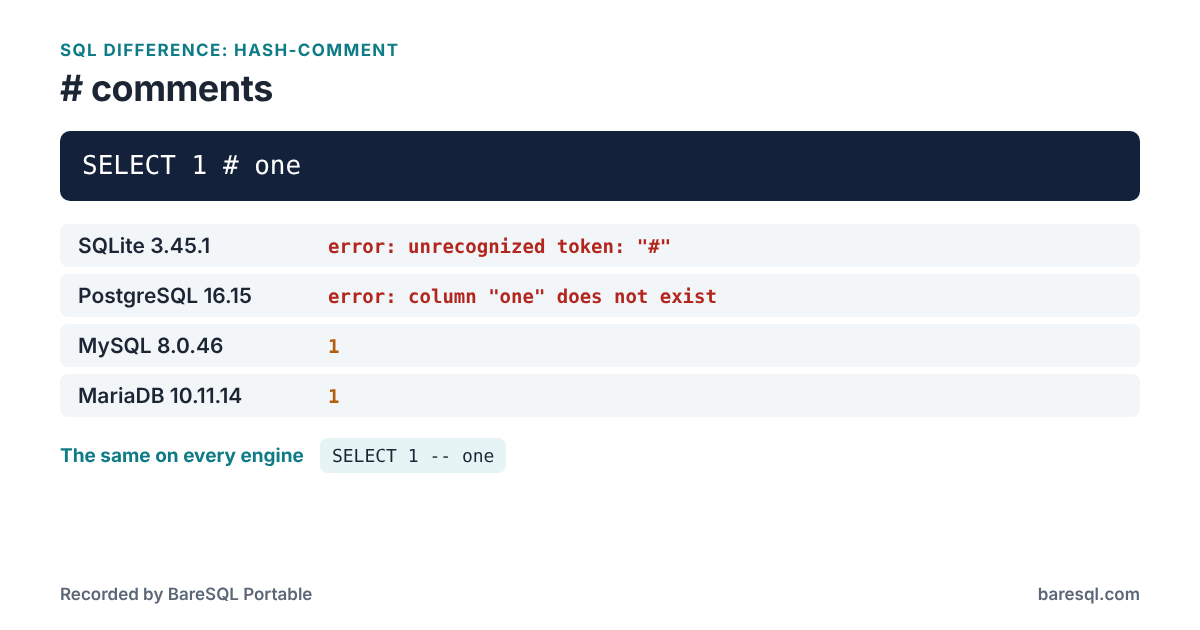
What Each Engine Answered
The example
SELECT 1 # one;
gave these answers:
| Engine | Answer |
|---|---|
| SQLite 3.45.1 | error: unrecognized token: "#" |
| PostgreSQL 16.15 | error: column "one" does not exist |
| MySQL 8.0.46 | 1 |
| MariaDB 10.11.14 | 1 |
What to Write Instead
This form answers the same on every engine:
SELECT 1 -- one;
| Engine | Answer |
|---|---|
| SQLite 3.45.1 | 1 |
| PostgreSQL 16.15 | 1 |
| MySQL 8.0.46 | 1 |
| MariaDB 10.11.14 | 1 |
Use -- comments, with a space after the dashes, or /* ... */.
What BareSQL Portable Reports
Saved as example.sql, the example gets this from baresql lint --all:
$ baresql lint --all example.sql
example.sql:1:10: error: # starts a comment on MySQL and MariaDB only; SQLite refuses it, and PostgreSQL reads it as the XOR operator. [hash-comment]
    # one;
    Use -- comments, with a space after the dashes, or /* ... */.

1 problem: 1 error.
baresql rules hash-comment prints the same answers in the terminal, and the BareSQL Portable page lists every difference BareSQL knows.